LUCI

See Luci in Action
Main Features
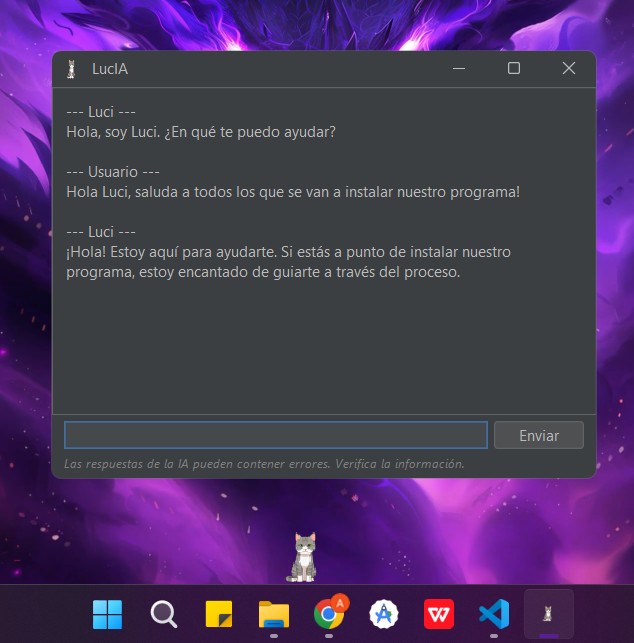
AI Assistant & Integrated Chat
Chat with Luci about any topic. Choose between using a local AI without internet or connect your own OpenAI API for powerful responses. Luci maintains conversation context.
Secure Password Manager
Create a master key with [Ctrl + Shift + K] and store all your passwords securely. Your credentials are encrypted and only accessible by you.
Instant Translation & Summaries
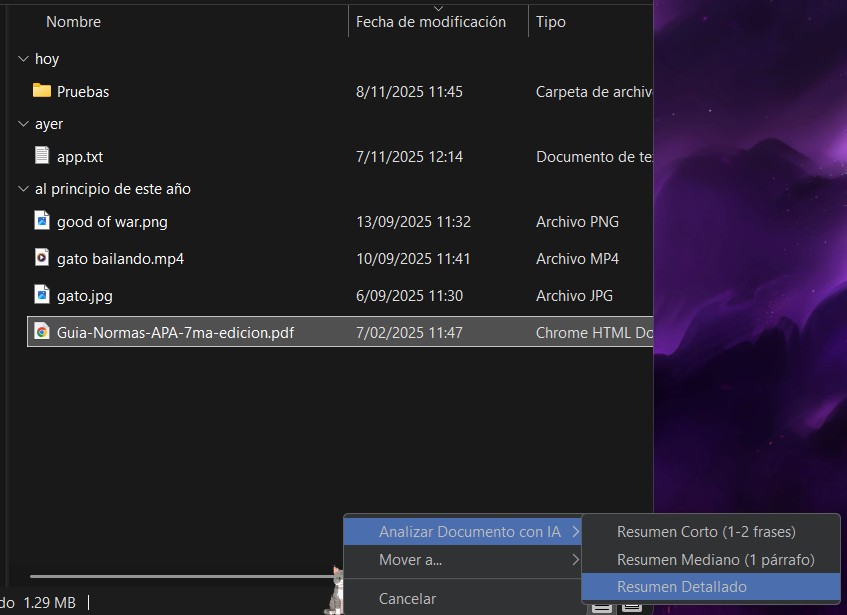
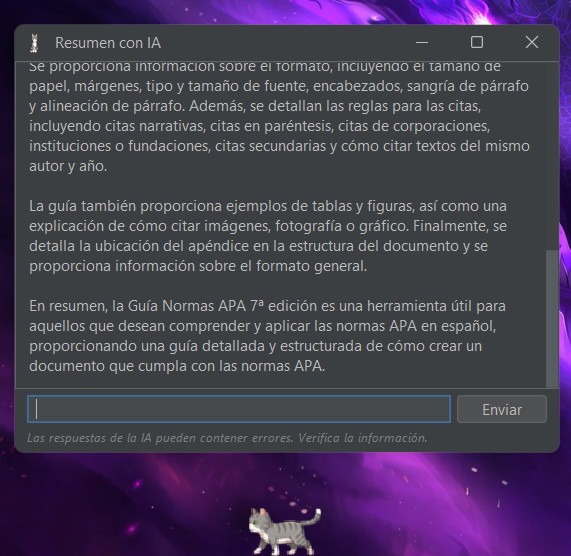
Drag any text to Luci to translate it instantly into multiple languages or get short, medium, or detailed summaries instantly.
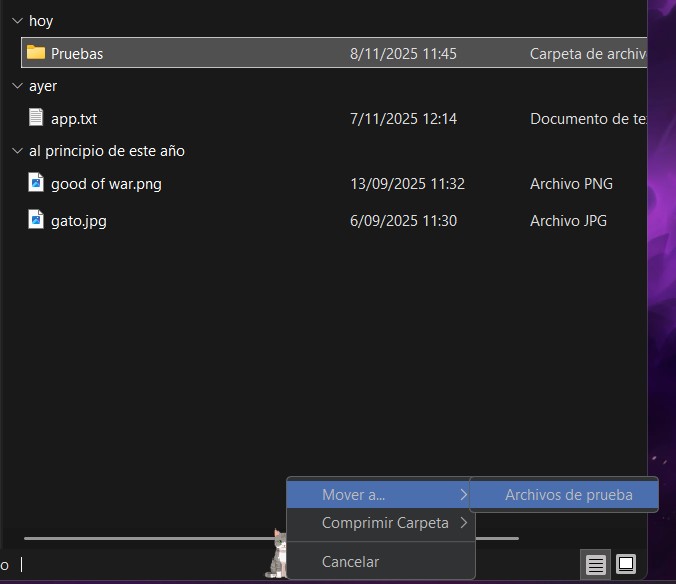
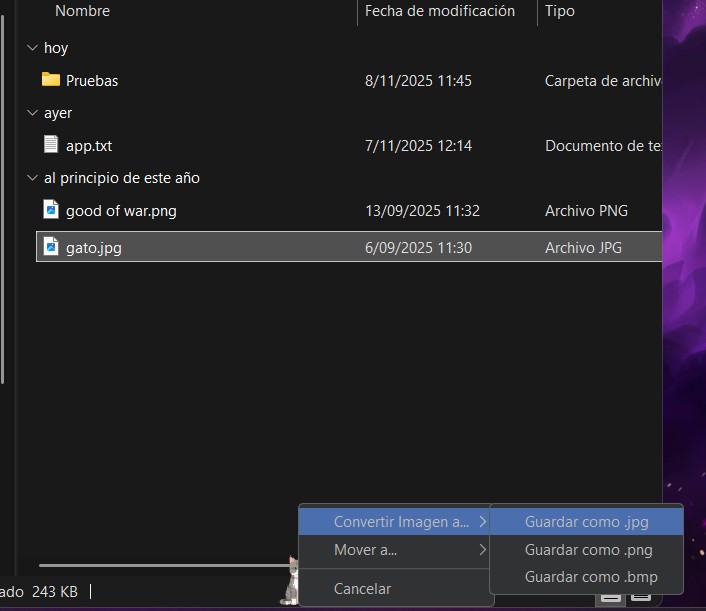
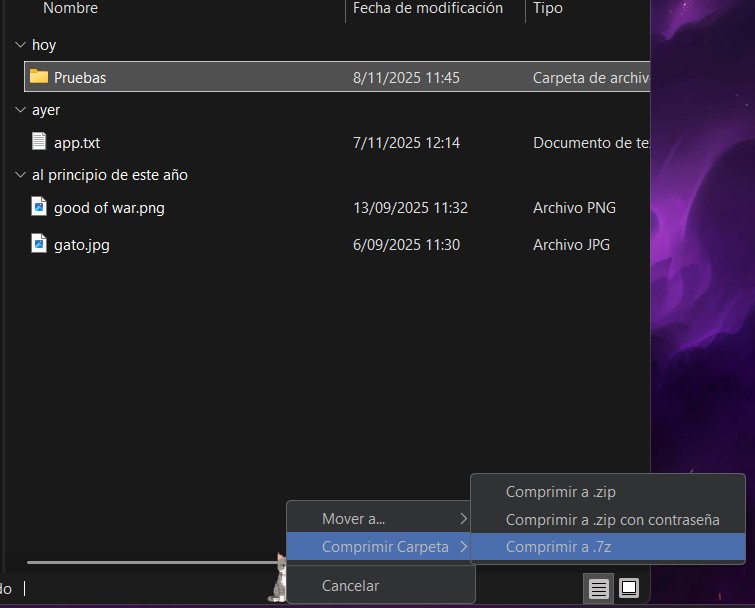
Simplified File Organization
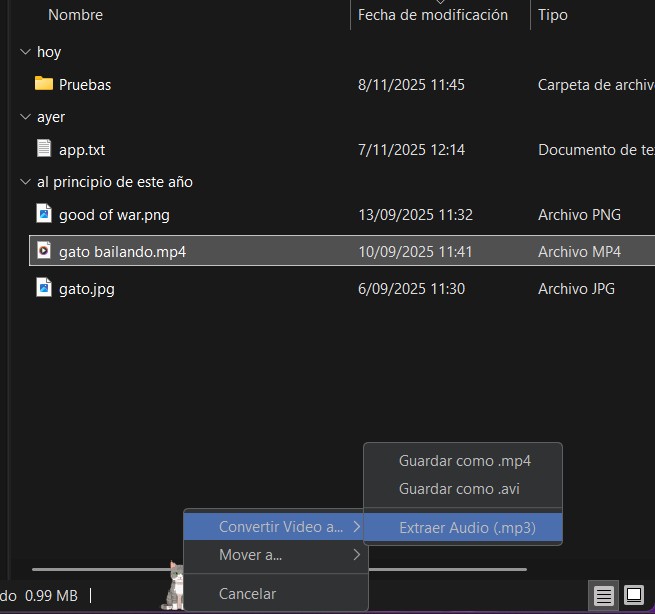
Save frequent folders and simply drag files to Luci to move them automatically. You can also compress/decompress .zip or .7z files.
Screenshots & Text Extraction
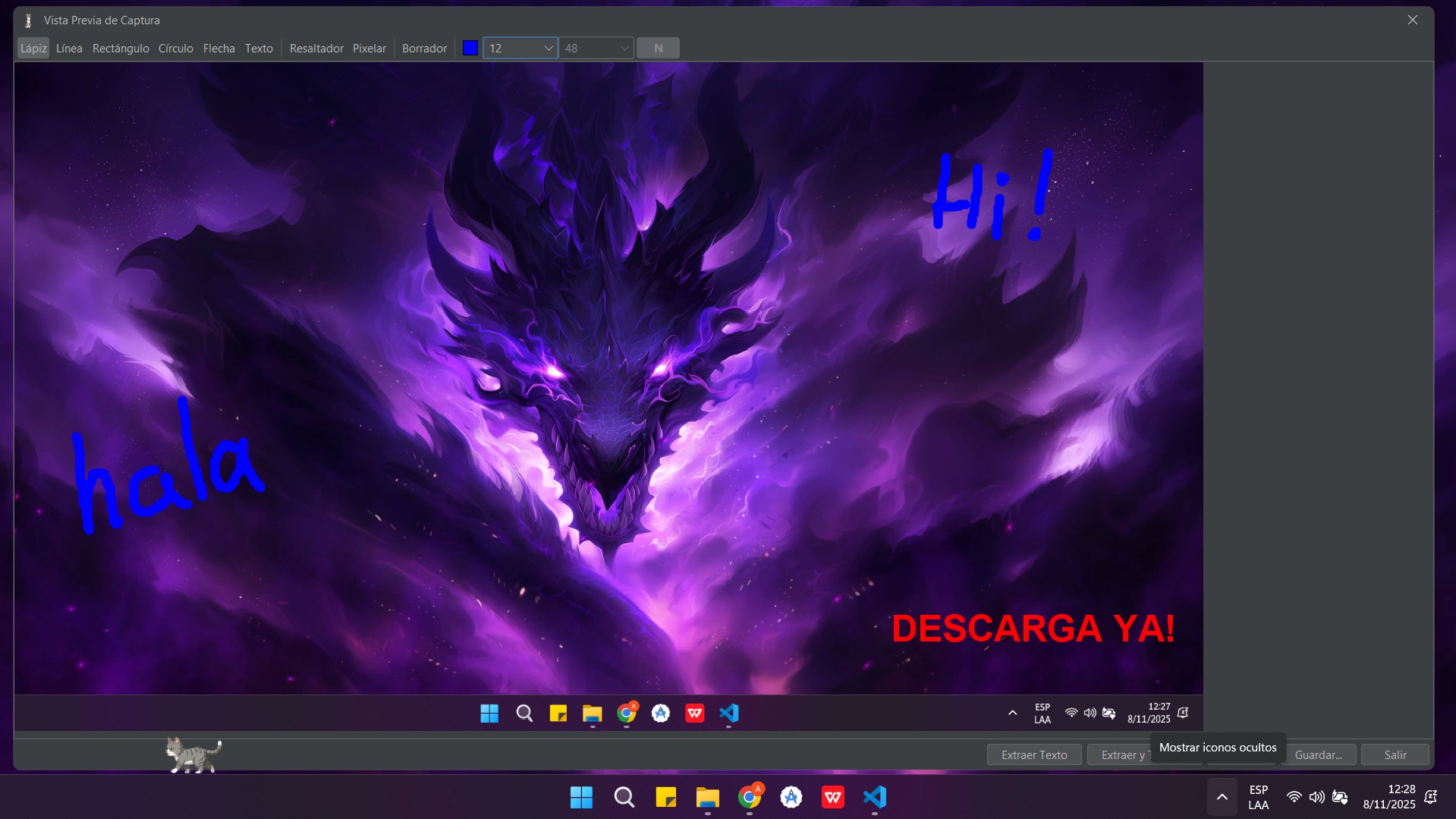
With shortcut [Shift + Q], take screenshots and make basic edits. Extract text from images easily connecting a free OCR Space API.
Customization & Control
Decide when Luci appears. Use [Ctrl + Shift + B] to hide her or set auto-hide for fullscreen apps. Choose from various avatars.
Get Luci
Full Version
FREE
No credit cards. No trials. Enjoy all features at no cost.
Create Account & DownloadSystem Requirements
Operating System: Windows
Resource Usage: Minimal in normal use. Local AI usage may require 3-4 GB RAM depending on the selected model.
Frequently Asked Questions
Is my saved data sent to any server?
No. Your data never leaves your PC. Luci only consumes APIs (OpenAI, OCR Space) if you configure them.
Is the password manager really secure?
Yes. All passwords are encrypted. Even if configuration files are stolen, they cannot be decrypted on another computer.
Does it consume many PC resources?
No. Luci is optimized for low consumption. Resource usage only increases when using the local AI function.